Skip to content

Offline-first | No ads | No account required

GPUX

Know the Android phone in front of you.

Device facts, guided inspection, on-device benchmarks, and useful everyday tools in one focused Android app.

Read what the phone actually reports, test the hardware step by step, and keep results local unless you explicitly choose to share them.

Local by default

No account or advertising SDK in the current app.

Evidence, not guesses

Unavailable values stay visible instead of being invented.

You decide what leaves

Reports are shared only through an action you start.

Five focused workspaces

What GPUX helps you check

01

Device

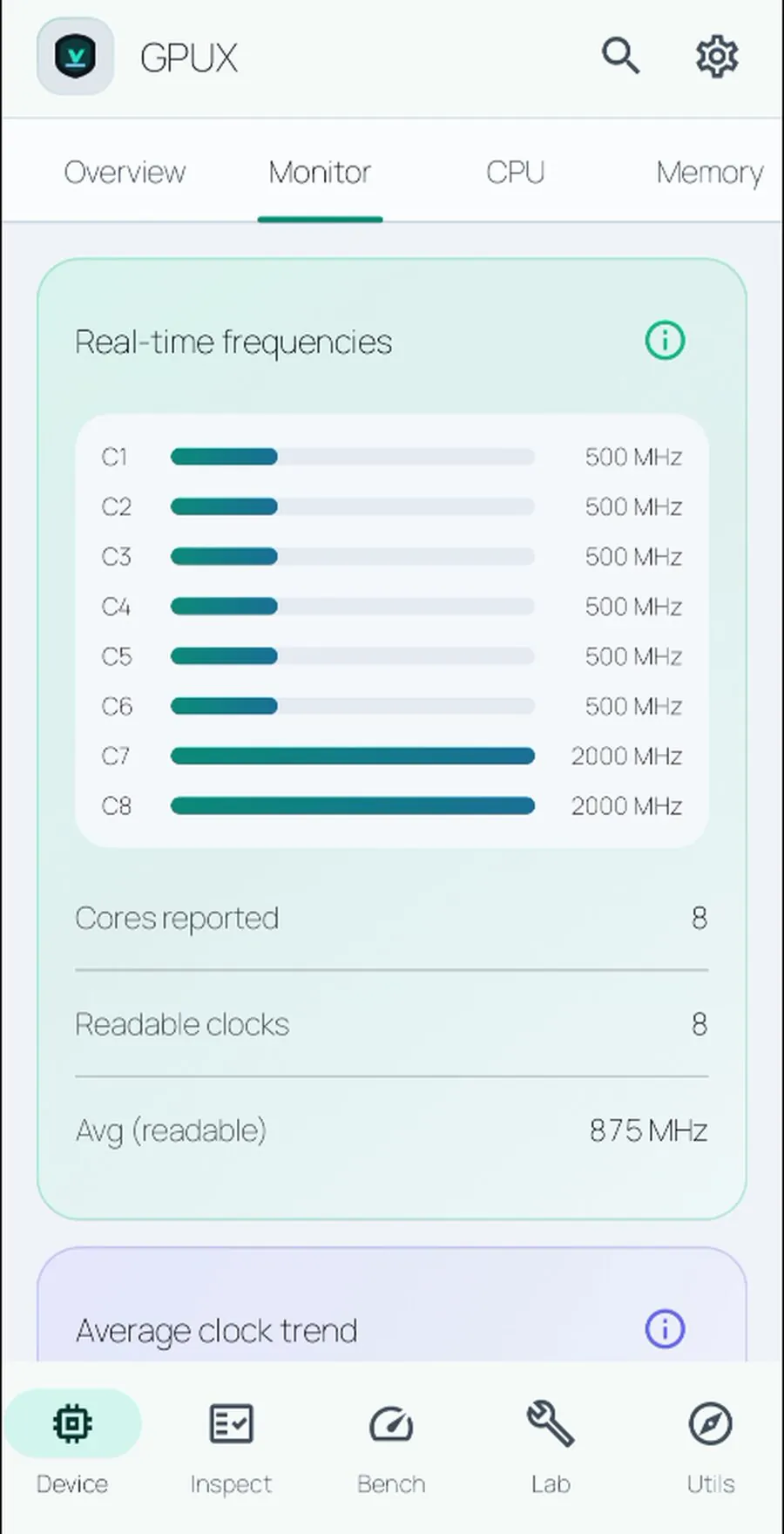
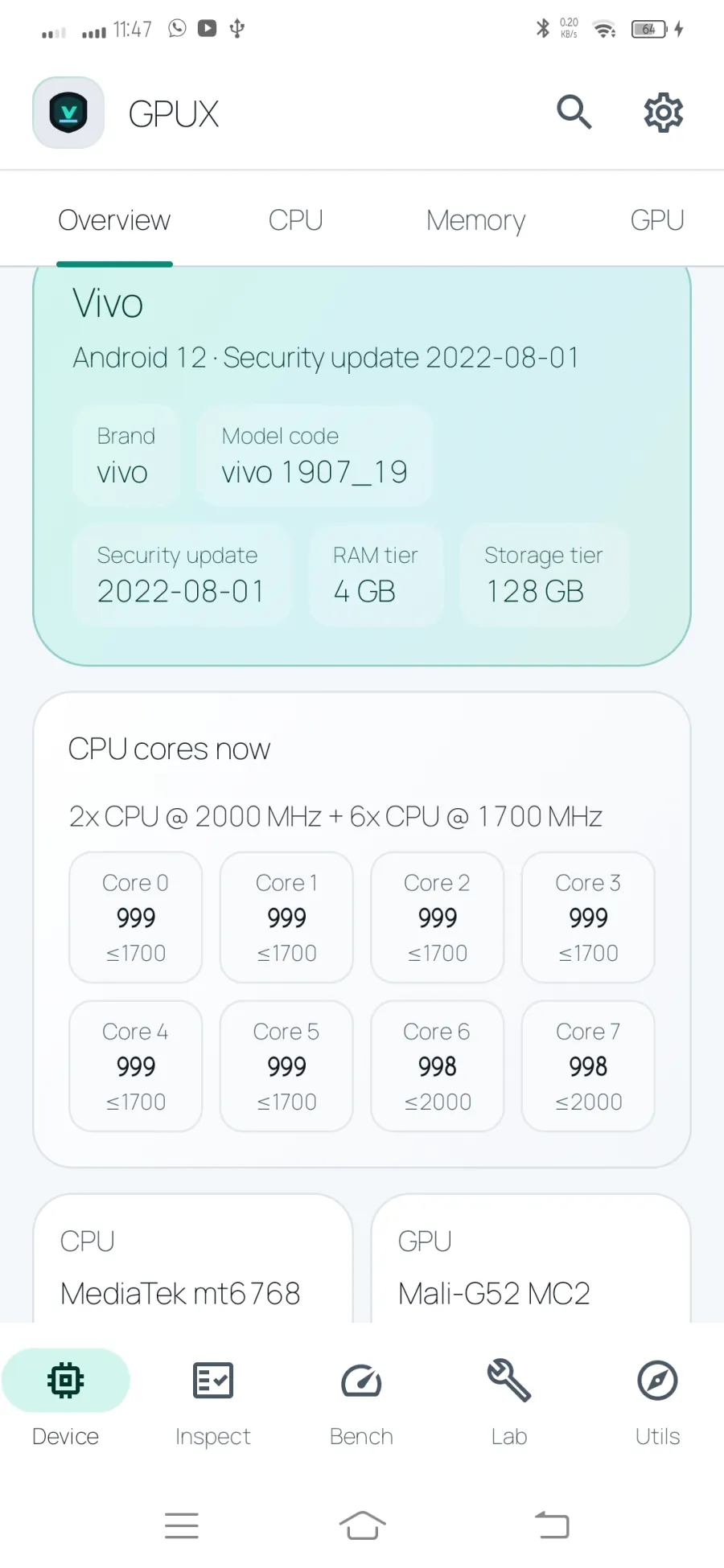
Get a readable overview of the phone: model and Android details, security patch, CPU and GPU, memory, storage, battery, cameras, sensors, connectivity, and other values available through Android.

GPUX keeps unknown values visible instead of filling gaps with guesses.

02

Inspect

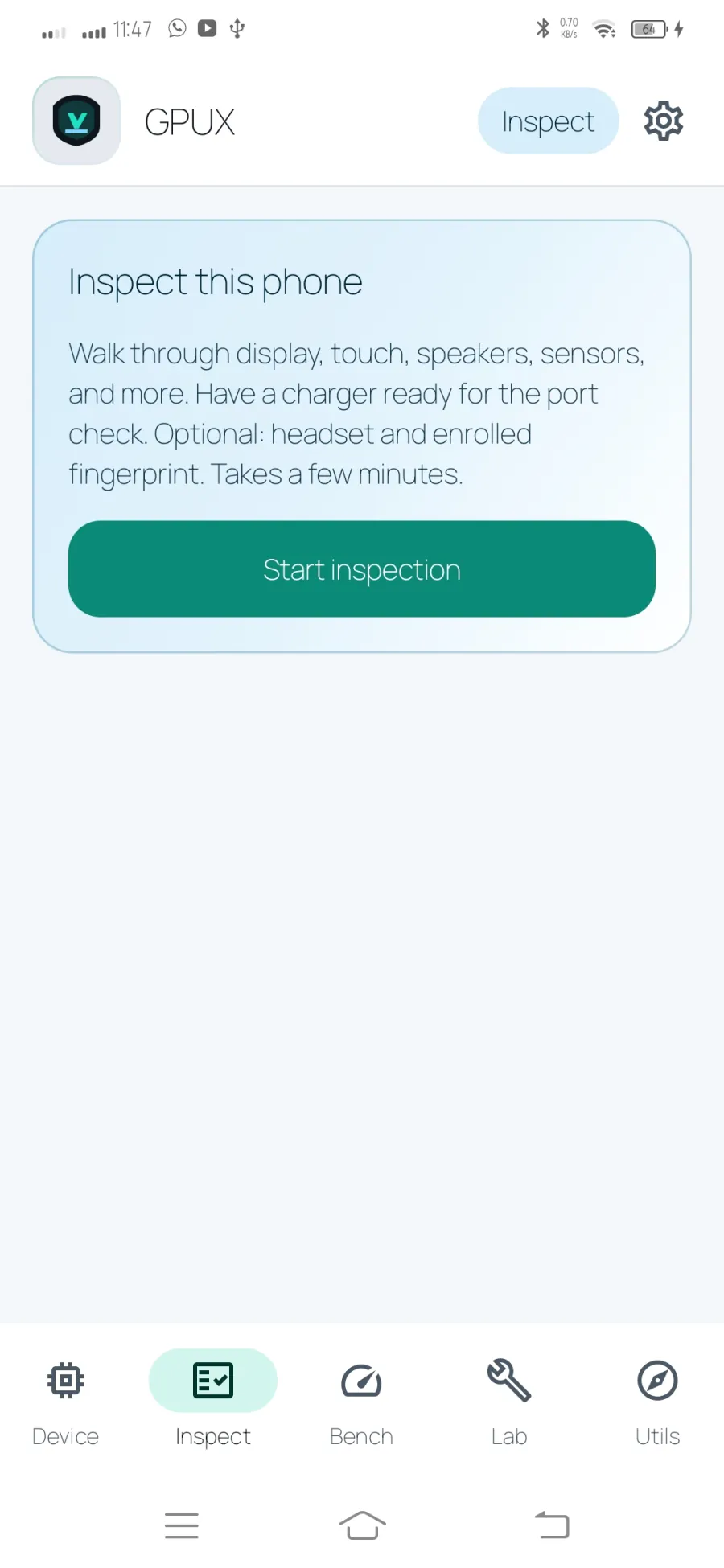
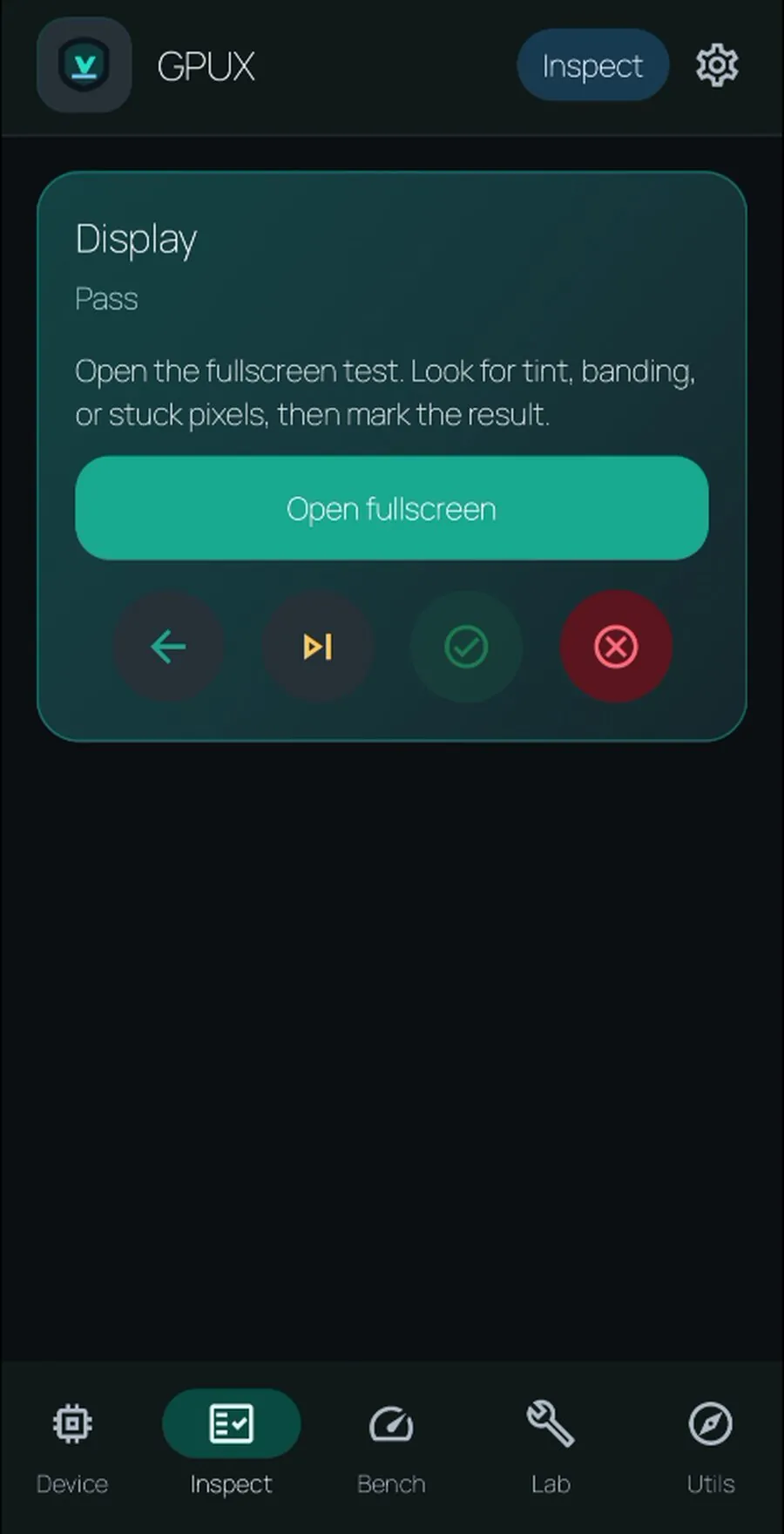
Follow a guided checklist for display, touch, sound, microphone, torch, sensors, charging, biometrics, camera, and other practical checks.

Mark each step pass, fail, skip, or unavailable, and use the protected back action so an accidental press does not discard a session.

03

Bench

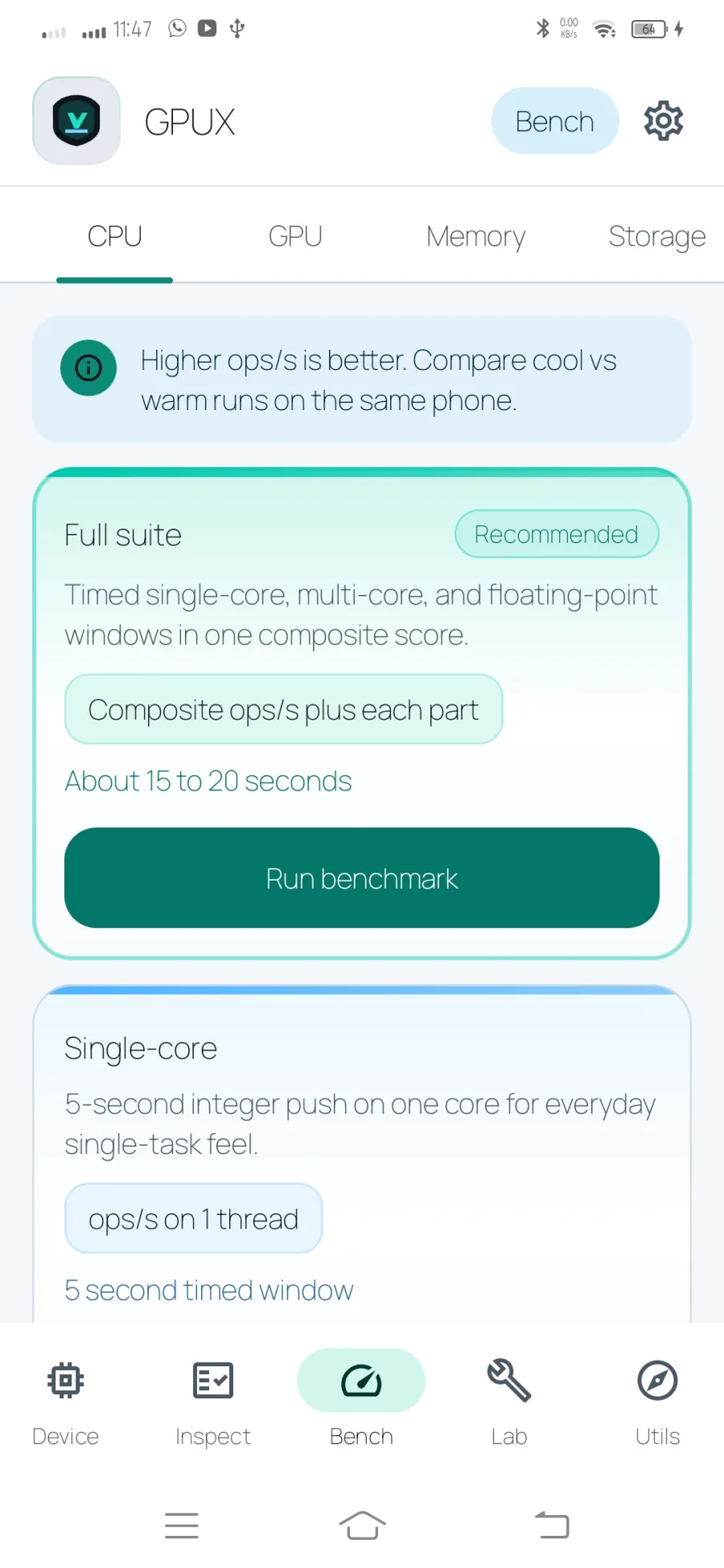
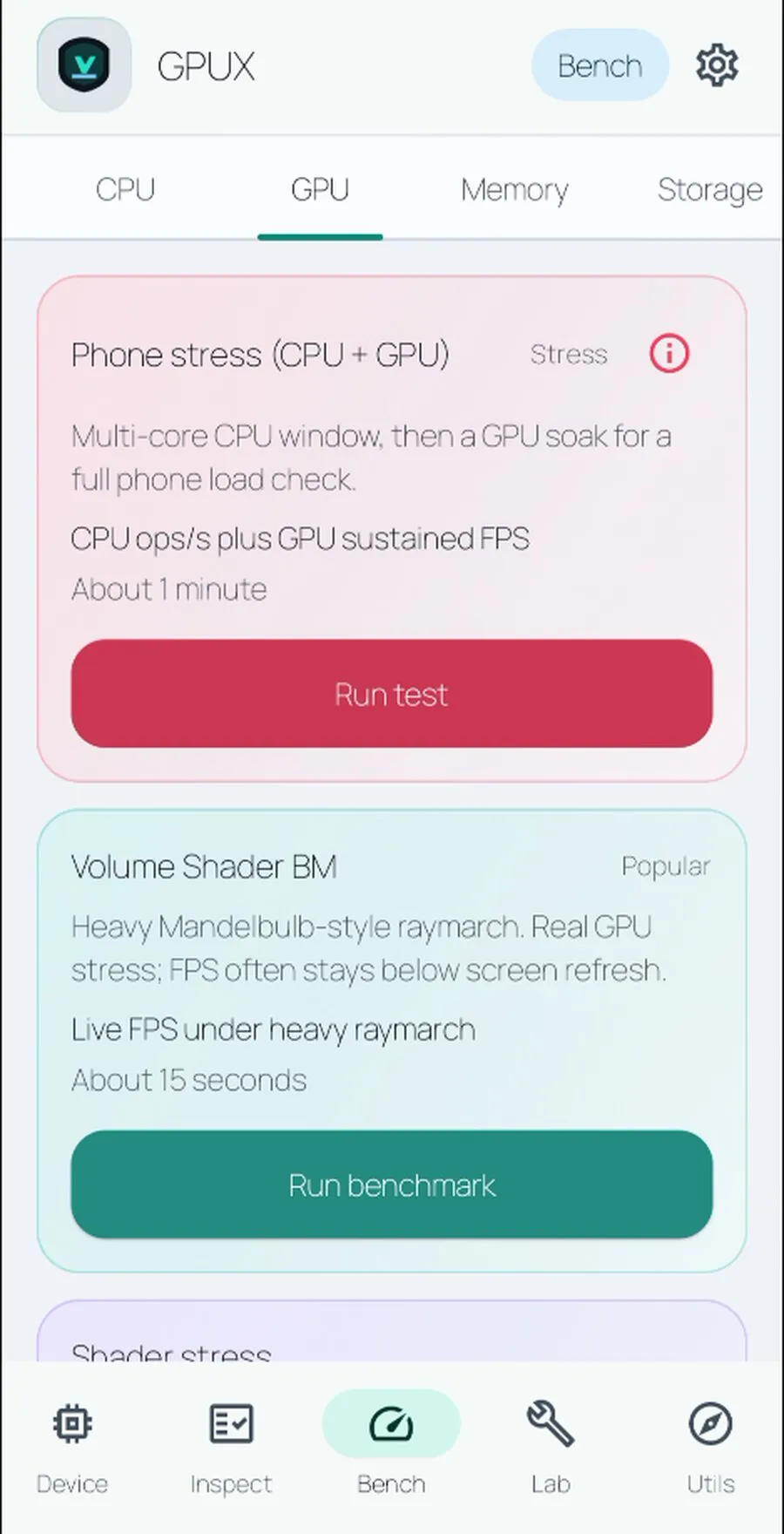
Run on-device CPU, GPU, memory, and storage tests. Results describe this phone under its current conditions; they are synthetic measurements, not a universal ranking.

For better comparisons, let the phone cool and close heavy background apps.

04

Lab

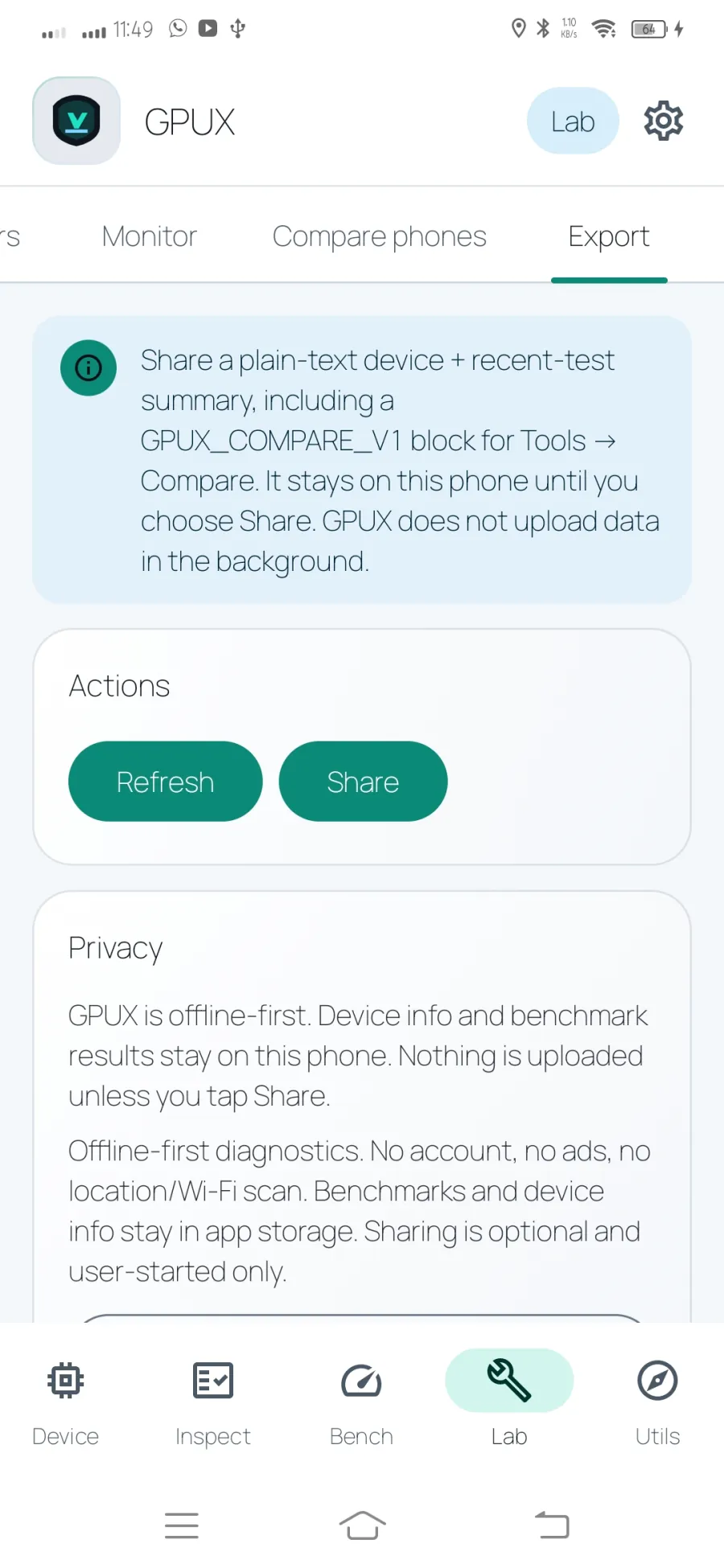
Open individual hardware retests, monitor battery and memory status, compare an imported GPUX report, and export a plain-text summary when you decide to share it.

Useful when checking a used phone, retesting after repair, or documenting a baseline.

05

Utils

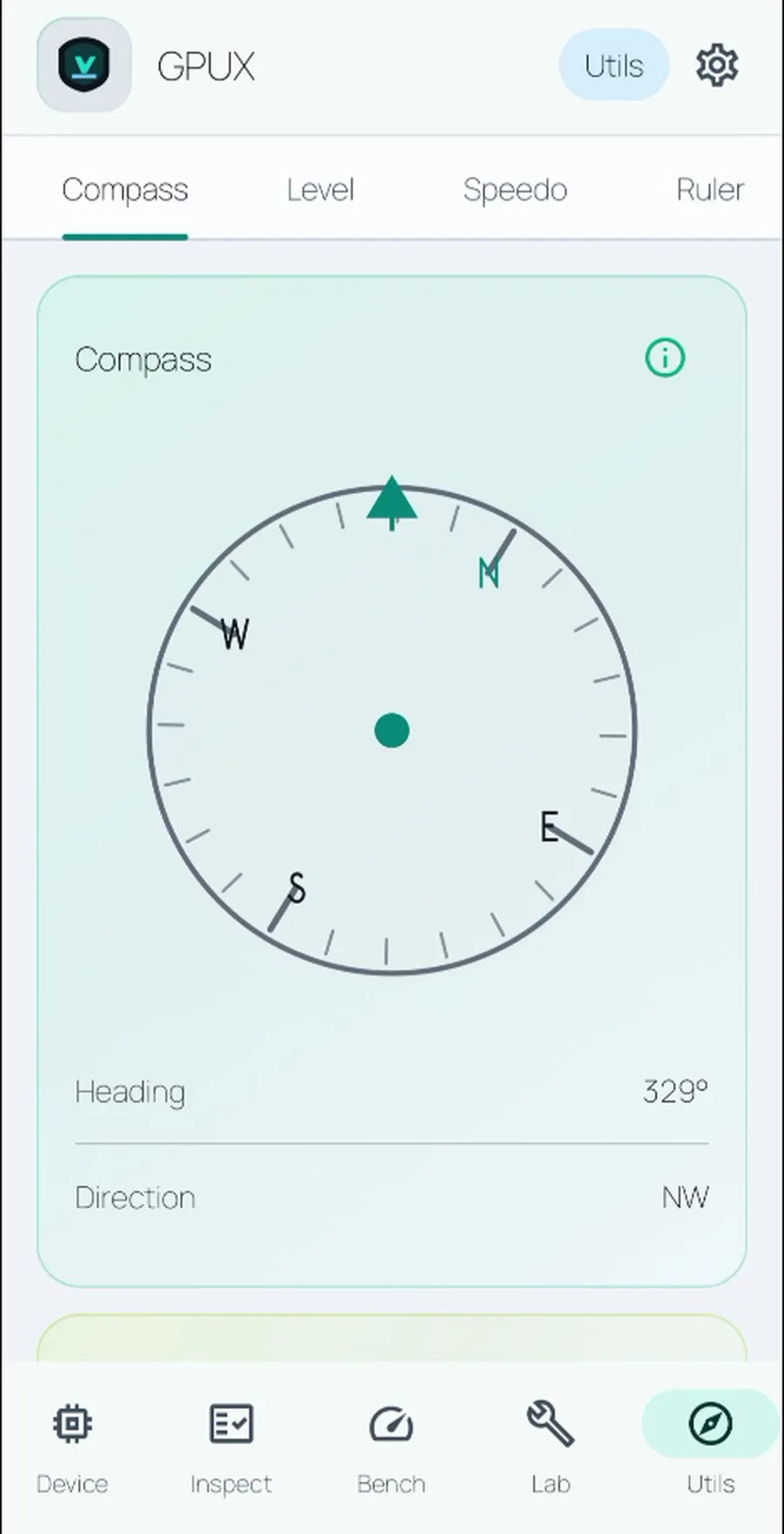
Use a compass by default, then enable Qibla only when needed. Qibla can use an optional location permission or an offline city preset.

Utils also includes a surface and wall level, GPS speedometer, on-screen ruler, optional network speed test, and a relative sound meter.

Battery evidence

Battery information with honest limits

GPUX separates current charge from battery condition. When Android or the phone maker exposes the values, the app can show:

  • design capacity
  • current full-charge capacity
  • an estimated capacity percentage based on those two values
  • reported charge-cycle count
  • current charge and charging status

These values are device-dependent. A charge counter is not full-charge capacity, and a missing cycle count is not zero cycles. GPUX labels unavailable data instead of inventing it.

Practical context

Useful before, during, and after a phone check

GPUX is useful when you own a phone, receive a used phone, or want a repeatable baseline before and after repair. It can show observable differences in system-reported hardware and help you test the screen, touch, sound, sensors, camera access, torch, battery, and connectivity.

It cannot prove that a phone was never opened, identify every replaced part, verify that a component is original, or replace a professional diagnostic inspection. Use the report as evidence alongside the device history, seller disclosures, warranty status, and physical inspection.

Before buying used

Read the system facts, work through display, sound, camera, sensor, charging, and connectivity checks, then keep a simple record of what you observed.

After repair or reset

Create a repeatable baseline with Device, Inspect, Bench, and Lab. Retest one area later instead of starting every check again.

For everyday certainty

Find hardware details without hunting through settings, then use a compass, level, Qibla direction, speedometer, ruler, network check, or sound meter when needed.

Honest diagnostics

Information with the limits left intact

GPUX is built to make Android's available information more useful without pretending it can answer questions the phone itself cannot verify.

Reported values stay reported

Model codes, battery fields, camera counts, sensors, and cycle data depend on Android and the device manufacturer. GPUX identifies unavailable data instead of deriving a confident-looking answer from a different reading.

Checks remain observable

The app can guide practical testing, but the person holding the phone remains the final judge of display condition, button feel, speaker clarity, cosmetic damage, and physical repair signs.

Measurements need context

Benchmark numbers change with temperature, battery state, power mode, background work, Android version, and storage condition. Repeat comparable tests before drawing conclusions.

Screenshot gallery

Every screen, in one place

A focused look at each workspace, from the initial device snapshot to a shareable Lab report. The gallery keeps the rest of the page concise while preserving the real app interface.

8 core views
Device overview in GPUX
1. Device overview
Identity inspection step in GPUX
2. Inspect identity
CPU details in GPUX
3. CPU details
Guided inspection checklist in GPUX
4. Guided inspection
CPU benchmark in GPUX
5. Bench CPU
Plain text report export in GPUX
6. Lab export
Compass and Qibla utility in GPUX
7. Compass and Qibla
Lab comparison view in GPUX
8. Lab compare

A repeatable flow

How it works

  1. 1 Open Device for a quick snapshot.
  2. 2 Run Inspect for a guided walkthrough.
  3. 3 Use Bench for repeatable performance measurements.
  4. 4 Open Lab for a single retest, monitor, compare, or export.
  5. 5 Open Utils for compass, Qibla, level, speed, ruler, network, and sound tools.

Important answers

Quick answers

Does GPUX need location for the compass?

No. Compass mode is the default and does not require location. Qibla and GPS speedometer can request location when you enable them; Qibla also supports a city preset.

Does GPUX upload my phone data?

No background upload is part of the current app. Optional network tools run when you start them, and Android sharing sends only the content you choose to the destination you select.

Read all

Check the phone with evidence, not guesswork.

Get GPUX