GPUX Permissions Explained: What Each Permission Is For
Asked at the point of use, denied without penalty, explained on the spot.
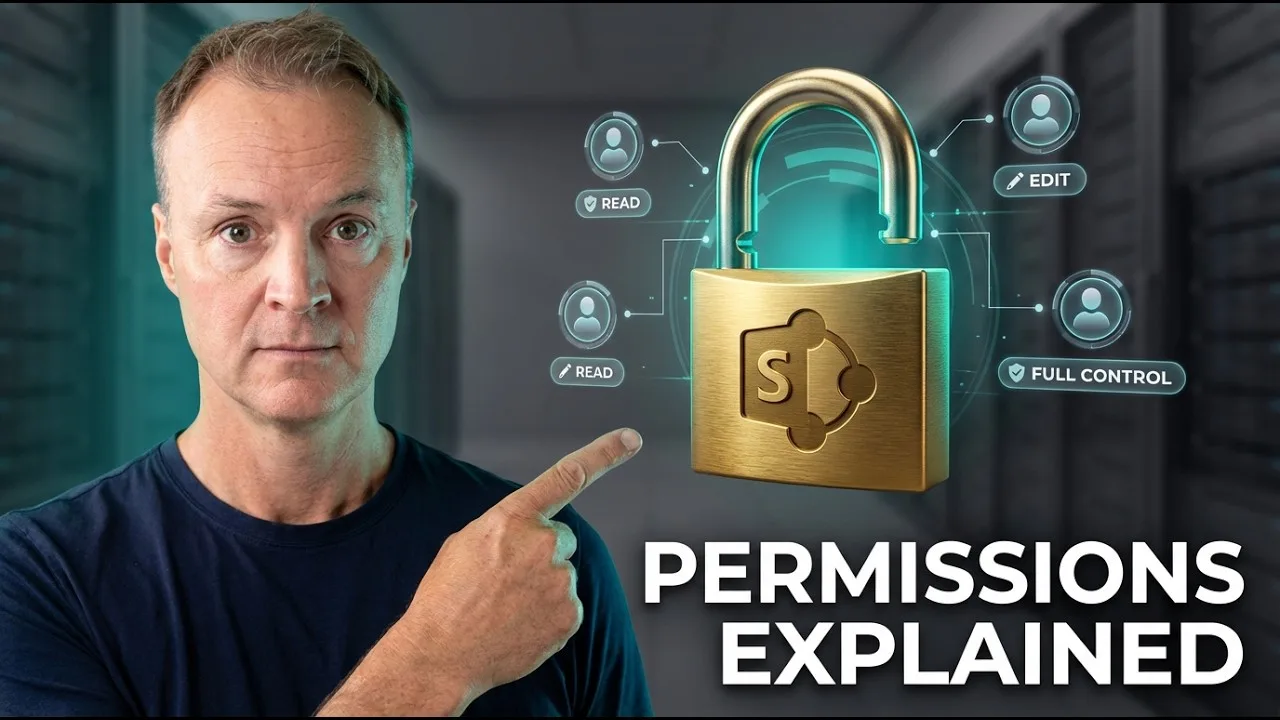
An app's permissions are its requests to borrow your phone's senses and hardware, and they deserve to be read as requests — each with a stated purpose, asked at the moment of use, and refusable without punishment. GPUX on Android is built on that pattern: camera for the torch and camera checks, microphone for audio checks, location for the optional GPS features, notifications for the optional quiet monitor. This guide explains every permission, the feature it serves, what happens when you deny it, and how to review or revoke permissions you granted earlier.
The general skill underneath is permission literacy — reading any app's requests this way — and GPUX's point-of-use design makes it a clean example to learn on.
Nothing in this guide requires granting anything. It requires knowing what each grant does, which is the precondition for granting wisely.
The Point-of-Use Principle
GPUX asks for a permission when the feature needing it is started, not in a bundle at first launch. The design reason is comprehension: a request that arrives with its purpose visible — the microphone prompt at the moment you start the audio check — can be judged; a bundle of requests at install can only be accepted or refused blindly.
When a permission is denied, the app explains what is unavailable rather than failing silently or nagging. That behaviour is part of the permission's terms: the refusal is respected, the consequence is stated, and the rest of the app continues to work.
Camera: Torch and Camera Checks
The camera permission serves two inspection features: the torch check, which uses the camera's flash hardware, and the camera checks themselves, which open the lenses so you can judge their output. Without it, those checks are marked unavailable and the rest of Inspect proceeds.
Granting camera access to a checking tool is proportionate: the feature cannot exist without the hardware it exists to test. Judge any app's camera request by that test — is the camera the point of the feature you just tapped, or a surprise? Here it is the point.
Microphone: Audio Checks
The microphone permission powers the audio checks: recording your voice or a test sound and playing it back so you can judge the microphone's health. The recording is the test's artefact, made locally for your judgement.
Deny it, and the audio checks report themselves unavailable while speaker checks — which need no microphone — still run. Partial function under partial permission is the honest behaviour, and it is what you should expect from any app that asks at the point of use.
Location: The Optional GPS Features
Location serves the optional location-based features — the GPS speedometer and Qibla direction among them — and the GPS checks that read satellite behaviour. It is the most sensitive permission on the list and therefore the one whose optionality matters most: the entire inspection toolkit works without it, and only the features that are about location require location.
Grant it for a check, revoke it after if the feature is not part of your routine. Android's permission settings make revocation a ten-second act, and a permission you review seasonally is a permission still under your management. The checks it enables are covered in GPUX GPS and connectivity checks.
Notifications: The Quiet Monitor
Notifications serve the optional quiet monitor — a background-watching feature that must be able to tell you what it found. An app that cannot notify cannot monitor usefully, so the request is structural: the permission is the feature's voice.
Because it is optional and off the inspection path, it is the easiest grant on the list to defer until the feature is actually wanted. Deferral is a legitimate answer to any permission request; a well-built app treats 'not yet' with the same respect as 'no'.
What GPUX Does Not Ask For
The negative space is informative: the current app does not require an account, does not show ads, and does not use advertising identifiers — so there are no permissions whose purpose is advertising or tracking. Reading an app's absences is part of permission literacy: what is not requested cannot be misused.
Network use follows the same pattern of restraint — the optional speed tool runs when you start it, and a public catalog may refresh so retail names stay current; neither is an upload of your device report. The whole posture is set out in how GPUX keeps phone checks offline-first.
Reviewing and Revoking Permissions
Android keeps every grant reviewable: Settings, Apps, the app, Permissions — each grant listed, each revocable, with the app adjusting to the new reality at next use. Review the list seasonally, as you would review any standing access to your house, and revoke what the season no longer uses.
Revocation is not an accusation; it is hygiene. Permissions granted for a one-time inspection and never revisited are how thoughtful users end up over-granted without ever having decided to be. Decide periodically, and the permission screen becomes a record of decisions rather than of defaults.
Camera for the checks that look, microphone for the checks that listen, location only for the features that locate, notifications for the monitor that must speak — each asked at its moment, each refusable, each reviewable. That is what permissions look like when they are treated as requests instead of rent.
Open GPUX's permission list in Android settings once and read it with this guide beside you. Ten informed seconds now are the whole difference between granting and merely allowing.