Read the Full Spec Sheet With GPUX: Every Device Field Explained
Every field on the Device screen, and what it is evidence of.
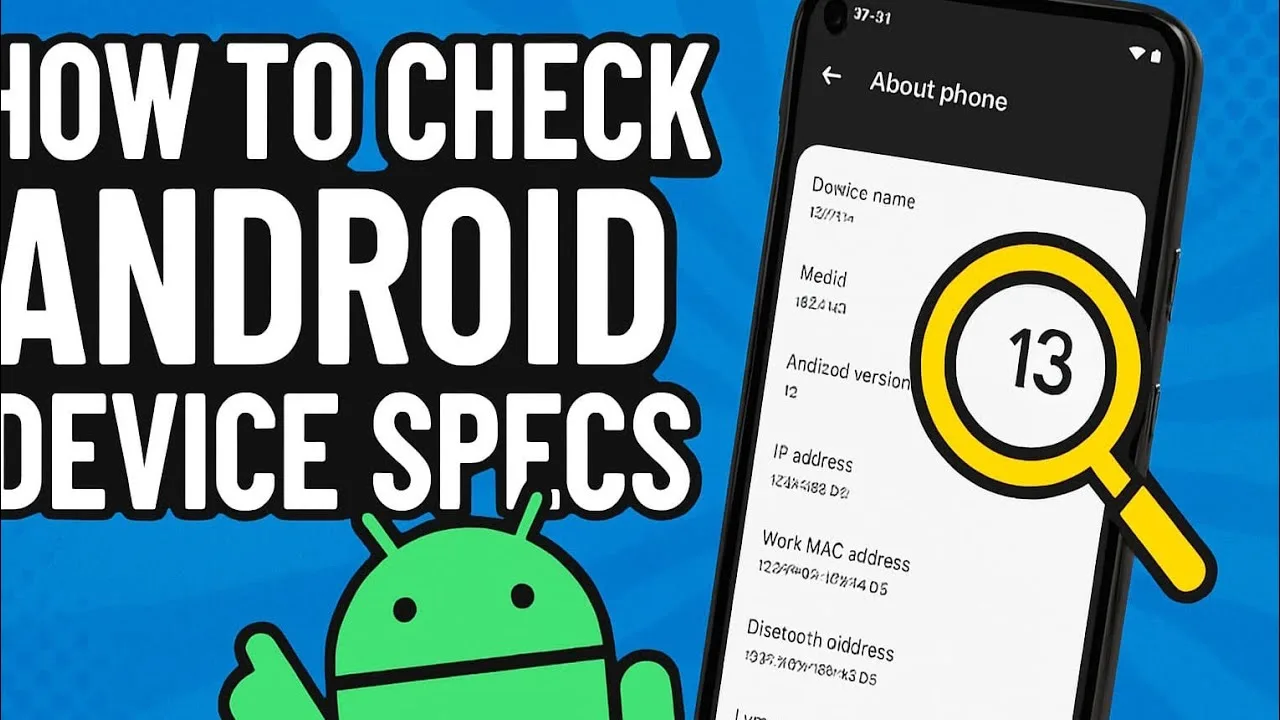
A spec sheet is a phone's sworn statement: model, chipset, memory, storage, display, cameras, sensors, and connectivity, as the device itself reports them. GPUX device information reads that statement directly from the phone through its Device screen, which makes it the natural starting point for any inspection — and this guide explains every field group, what it tells you, and where its evidence is useful: verifying a listing, comparing two phones, or understanding the handset already in your pocket.
Read the fields as evidence rather than as scores. A spec sheet does not say whether a phone is good; it says what the phone is, which is the question that must be answered before 'good' can mean anything.
Where Android does not expose a value, GPUX marks it unavailable instead of guessing. A marked gap is honest evidence too, and this guide treats it that way throughout.
Identity: Model, Maker, and Names
The Device screen begins with what the phone calls itself: manufacturer, model, and the retail name where the catalog provides one. This is the first check against any listing or box — a phone reporting a different model from the one advertised has ended the negotiation before it starts, whatever the seller's explanation.
Retail names and model numbers are different dialects of the same identity: the same handset can carry several model numbers across regions and carriers. Judge a mismatch by the model the system reports, and treat name differences across regions as translation, not deception.
Android Version and Build
The Android version and build fields state the software the phone is actually running, which is not always the software its marketing promised. Version matters practically: app support, security behaviour, and feature availability all hang from it, and an old version on a supposedly recent phone is a fact worth pricing.
The security patch level sits nearby and deserves its own reading — it is covered in depth in checking Android security patch and update status with GPUX. Together, version and patch describe how current the phone's software really is on the day you inspect it.
Chipset: CPU and GPU
The CPU and GPU fields name the phone's processor and graphics hardware — the components that decide its performance class, its camera processing, and much of its efficiency. Read them as identity rather than ranking: the same chipset across two phones promises similar ceilings, while different chipsets explain most honest performance differences.
Core counts and clock speeds, where shown, describe configuration rather than quality. A spec sheet can tell you what the engine is; only a benchmark under controlled conditions can tell you how this particular unit runs, which is why the Device screen is the beginning of an inspection and not its end. The full used-phone flow that starts here is in how to check a used Android phone with GPUX.
Memory and Storage
RAM and storage figures state the phone's working and keeping capacities — and the storage figure deserves a second look, because the system reports total and available space, and the gap between a listing's headline number and the formatted reality is a normal, explainable difference rather than a trick.
On a used phone, storage health matters alongside capacity: a nearly-full drive on a phone being sold 'reset and ready' is a question to ask, and storage speed — testable in Bench — hints at the drive's condition in a way the capacity number never can.
Display, Cameras, and Sensors as Reported
The display fields report resolution and density as the system knows them; camera fields report the sensors Android exposes, which may list more or fewer units than the marketing counts, because auxiliary sensors are not always exposed to apps. Treat the reported list as the floor of the truth, and verify cameras by using them — the Inspect checks exist for exactly that.
The sensor list is the phone's inventory of senses — accelerometer, gyroscope, proximity, ambient light, and more where fitted. A sensor missing from the list on a model that should have it is worth a question; a sensor present but silent is what the hands-on checks are for.
Connectivity and Battery Fields
Connectivity fields summarise what the phone supports and what it is currently connected to — network types, Wi-Fi, Bluetooth, and location technologies as Android exposes them. These fields frame what the hands-on connectivity checks can test: support on paper first, function in practice second.
The battery fields on the Device screen give the headline numbers — current charge and status — while the detailed condition data has its own dedicated reading elsewhere in this library. Read the headline here, the evidence there, and resist judging a battery by its charge percentage, which describes this afternoon rather than the battery.
Reading the Whole Sheet at Once
A spec sheet's real power is coherence: the fields should agree with each other and with the phone in your hand. A flagship chipset beside a low-resolution display, a recent model on an ancient patch level, storage that contradicts the listing — incoherence is the signal, and it is visible only when the whole sheet is read as one document.
Save or export the sheet when the inspection matters — a purchase, a dispute, a comparison — because memory edits and screenshots scatter. A single recorded sheet, taken on the day, is the version of the phone that evidence can stand on.
Identity, software, chipset, memory, display, sensors, connectivity: read as one sworn statement, the Device screen tells you what a phone is before anyone tells you what it is worth. Every other check in this library starts from that foundation.
Open the Device screen on the phone already in your pocket and read it whole, once, before your next inspection of a stranger's. Fluency is built on the familiar example.