GPUX Sensor Checks Explained: What Each Sensor Tells You
Watch the numbers move: presence is not function.
A phone's sensor list is an inventory of promises: rotation promised by the accelerometer, steadiness by the gyroscope, awareness by proximity and light. GPUX sensor checks test whether the promises are kept, by showing live readings you can provoke and watch. This guide explains each common sensor — what it senses, what a healthy response looks like during checks, and what silence or nonsense readings usually mean — so a sensor inventory becomes evidence instead of decoration.
The governing distinction is presence versus function. Android can list a sensor the hardware reports; only a live reading that responds to the world proves the sensor works. GPUX shows you the readings precisely so the distinction is yours to make.
Run the checks on your own phone while reading. Sensors are understood by provoking them, not by reading about them in the abstract.
Accelerometer: The Sense of Motion and Tilt
The accelerometer measures acceleration and gravity's direction, which is how the phone knows it tilted, shook, or fell. In the checks, tilt the phone slowly in each direction and watch the values trade places smoothly; shake it and they should spike and settle.
A frozen reading during movement means the sensor — or its data path — is not working, whatever the inventory says. Erratic jumps at rest suggest damage or interference; note the behaviour in words, because 'unstable at rest' is a finding a single number cannot carry.
Gyroscope: Rotation, Steadiness, and Play
The gyroscope measures rotation speed and works beside the accelerometer to give games, cameras, and augmented reality their steadiness. Rotate the phone in your hand — turn it like a steering wheel, pitch it like a landing plane — and the readings should follow the motion and return to rest when you stop.
Not every phone has one: gyroscope absence is common in budget models and is a specification fact, not a fault. GPUX marks it unavailable, which is the honest answer, and games that require it will simply be outside that phone's repertoire.
Proximity and Light: The Quiet Awareness
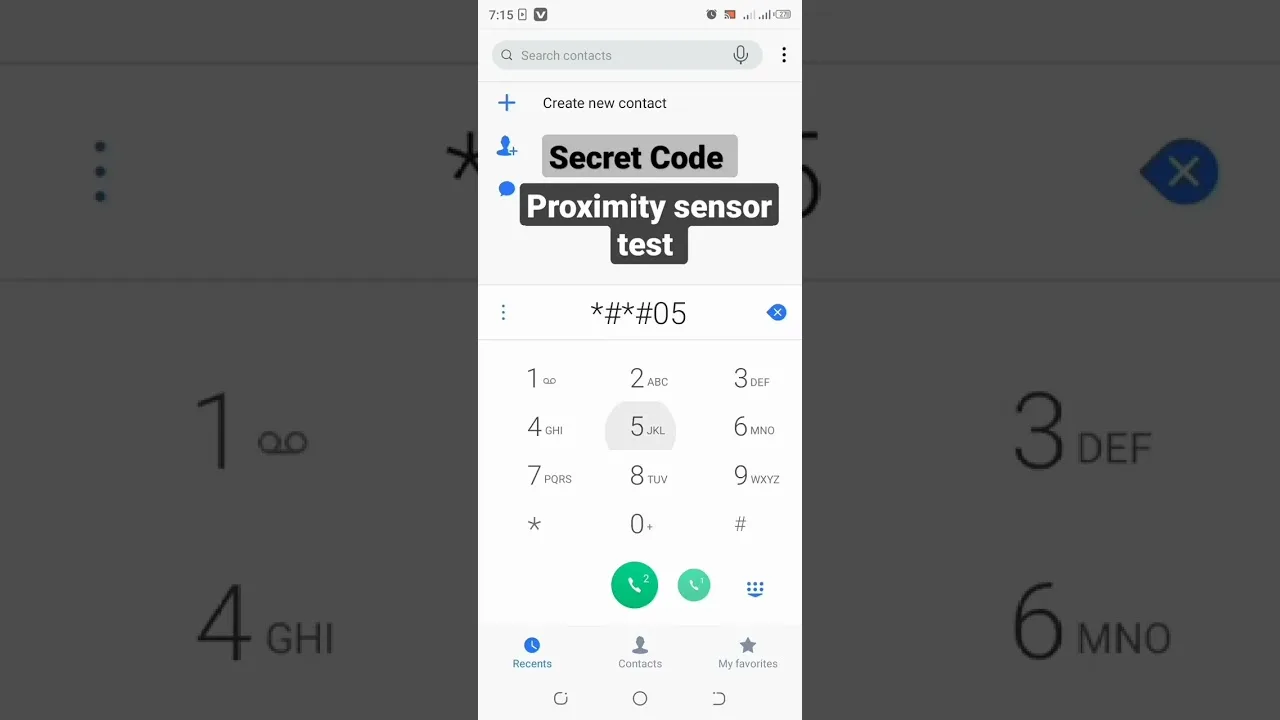
The proximity sensor detects what nears the phone's face — the sense that blanks the screen against your ear during calls. Cover the top of the phone with your hand during the check and watch the reading change state; remove your hand and it should release.
The ambient light sensor measures the room and drives automatic brightness. Move between a bright window and a dim corner and the values should travel convincingly. A light sensor stuck at one value explains a phone whose brightness never adapts — a small fault with daily visibility.
Magnetometer: The Compass Sense
The magnetometer reads magnetic fields and gives the phone its compass heading. Rotate yourself slowly with the phone held flat and the heading should sweep smoothly through the points; wave a small magnet (or a fridge door's edge) nearby and it should react — then settle when the field leaves.
Compasses need calibration and hate interference: metal desks, cases with magnets, and vehicle bodies all bend readings innocently. Judge the sensor by responsiveness — does it move, react, and settle — rather than by whether its north matches a surveyor's.
The Longer Inventory: Barometer, Step, and Others
Depending on the model, the list may continue: a barometer sensing air pressure (and therefore altitude changes), step detection and counting, heart-rate sensors on some models, humidity or temperature on a few. Each is checked the same way — provoke the thing it senses and watch for a plausible response.
Unavailable is a normal verdict for most of the long tail on most phones. The inventory reflects the model's design, and a shorter list on a budget phone is specification, not damage. What matters for an inspection is that the sensors the model does claim actually respond. The Inspect walk that houses these checks is explained in the GPUX Inspect checks explained.
When Readings Misbehave
Work the order before concluding damage: remove the case (magnets and thickness disturb several sensors), restart the phone (sensor services can wedge), and retest away from metal and electronics. A surprising share of 'dead' sensors are environmental or software states wearing a hardware costume.
A sensor still silent after those steps, on a phone whose model includes it, is a genuine finding: record which sensor, what you provoked, and what (nothing) happened. Findings written that precisely are the ones sellers and repairers cannot argue with. Connectivity-adjacent senses have their own checks, in GPUX GPS and connectivity checks.
Sensors as Buying Evidence
In a used-phone inspection, sensor checks earn their time twice: they verify functions the buyer will use daily (rotation, calls, brightness, compass) and they reveal history — a phone whose several sensors misbehave together has often been repaired, wet, or dropped, whatever its cosmetic condition says.
Record sensor results on the inspection sheet beside the display and battery evidence. Patterns across systems are how a phone's biography is read, and sensors are fluent witnesses when someone asks them properly.
Presence in a list is a claim; a live reading that responds to your provocation is proof. Check sensors by moving the world around them — tilt, cover, rotate, darken — and the phone's senses will report for duty or confess their absence.
Provoke every sensor on your own phone once. Knowing the healthy responses by heart is what makes a stranger's phone's silence audible.