GPUX Charging Checks Guide: Ports, Speeds, and Warning Signs
Registration first, then rate, then the port's confession.
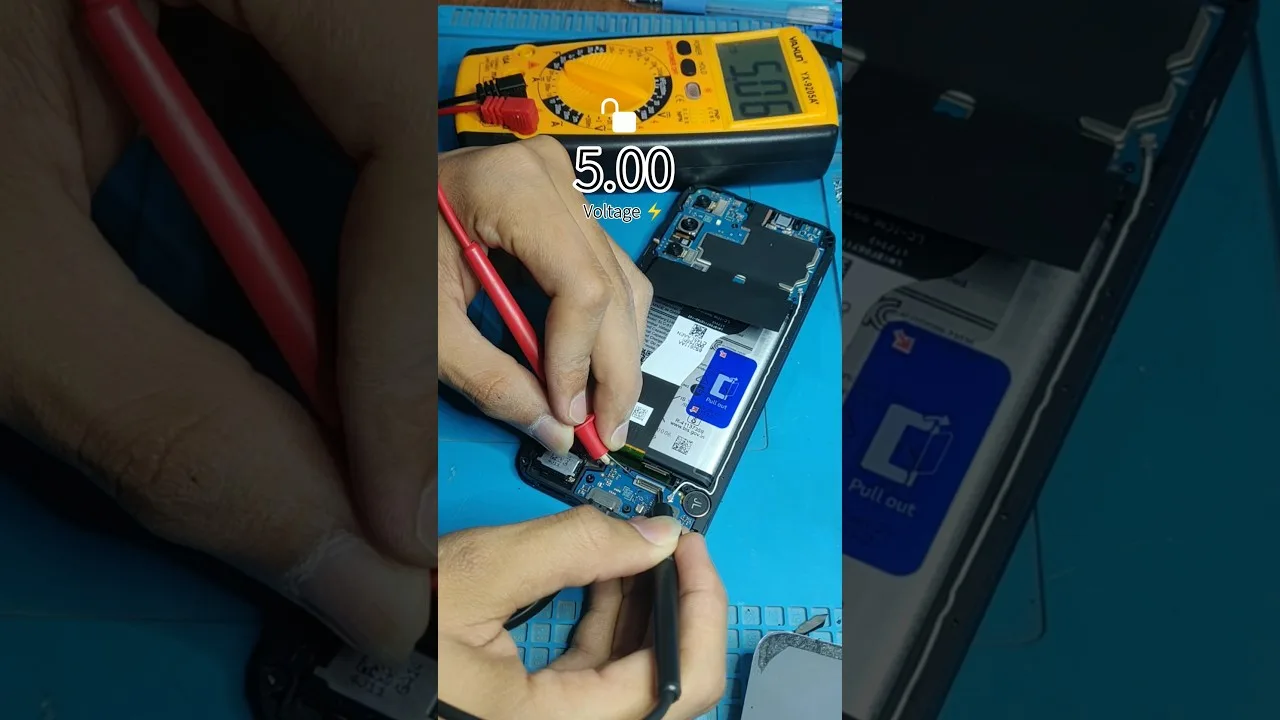
Charging faults are the most lived-with and least-diagnosed of phone problems: the port that works only at one angle, the 'fast' charge that never is, the overnight percentage that quietly shrank. GPUX charging checks give the charging system the same evidence discipline as every other check — confirm the phone registers the charger, watch the status and rate it reports, and separate the phone's faults from the cable's and the charger's. This guide walks the full method, including the warning signs that matter in a used-phone inspection.
Bring more than one cable and, if possible, more than one charger. Charging diagnosis is the art of swapping suspects until the fault follows one of them — or stays with the phone.
Give the session time. Charging is a process measured in minutes, and its honest evidence cannot be hurried.
Confirm Registration, Then Status
Plug in and confirm the basics first: the phone registers the connection, reports a charging status, and the percentage climbs over a few minutes rather than merely promising to. A phone that shows the icon without climbing has a conversation happening and no current flowing — a different fault from a dead port, and a more informative one.
Note the status the phone reports — its own description of the charging mode — and whether it matches the charger you attached. A mismatch between a capable charger and a basic reported mode starts the investigation in the cable, which is where most such mismatches honestly live.
Watch the Rate Over Minutes
Charging rate is a curve, not a moment: fast at low percentages, gentler near full, slower when the phone is hot or busy. Judge a session by its progress across ten minutes in the middle ranges, with the screen off and the phone cool, before calling anything slow.
Compare like with like: the same phone at the same rough percentage, with a different cable and charger, isolates equipment from device more reliably than any specification printed on a box. Keep notes in numbers — percentage gained per ten minutes is a sentence any seller can understand.
Cables and Chargers: The Usual Suspects
Cables fail internally and invisibly, and they are the cheapest component in the chain: a charging problem that follows a cable to another phone has found its culprit, and one that vanishes with a known-good cable never belonged to the phone at all. Keep one trusted cable in your kit for exactly this arbitration.
Chargers vary in what they can offer and phones in what they can accept; a mismatch is limitation, not fault. The phone's reported status tells you what was negotiated — read it before blaming any party to the negotiation.
The Port: Where Phones Confess
Inspect the port with light and patience: lint compacted at the back is the classic cause of the plug that will not seat fully and the connection that drops when the phone moves. A wooden or plastic pick, gently used, retrieves more 'broken ports' than any repair shop advertisement admits. Never use metal, and never force.
A port that connects only under pressure or at an angle — after cleaning — has mechanical wear, and on a used phone that is a priced fact: ports are repairable but not free, and the fault will worsen. Record it as observed, with the angle described, in the inspection notes that accompany how to check a used Android phone with GPUX.
Heat and Behaviour While Charging
Warm is normal; hot is information. A phone that grows properly hot while fast-charging at low percentage is working as designed; a phone that heats at a trickle, or heats in one localised spot, is reporting a battery or board problem that deserves a professional's eyes before a purchase.
Behaviour matters too: a phone that discharges while plugged in under light use, or whose percentage leaps by implausible steps, has a measurement or battery problem that the battery evidence in this library helps interpret.
What the Battery Data Adds
Charging checks observe a session; battery data describes the battery — design capacity, current full-charge capacity, cycle count where the device exposes them. Together they answer the buyer's real question: not 'does it charge' but 'what will charging be like in a year'.
Read the battery evidence with its own guide open — understanding Android battery health and cycle data — and remember its standing caution: unavailable values are labelled, never estimated, and a missing cycle count is not a zero.
Warning Signs Worth the Name
The list that should slow any purchase: connection that drops when the phone is moved, percentage falling while plugged in, heat at low charge rates, swelling (a screen lifting, a back bowing — stop using and charging a swollen phone and seek professional help), and charging that only one specific cable, held one specific way, can achieve.
Any single sign can have a benign explanation; the inspection's job is to record the sign precisely and price the risk honestly, not to deliver a courtroom verdict on the spot.
Registration, rate over minutes, swapped suspects, a clean and honest port, heat read with judgement, and the battery data beside it all: charging, examined that way, stops being a vibe and becomes evidence.
Run one full charging observation on your own phone — ten timed minutes, notes in numbers — so the healthy pattern is in your hands before you judge a stranger's.